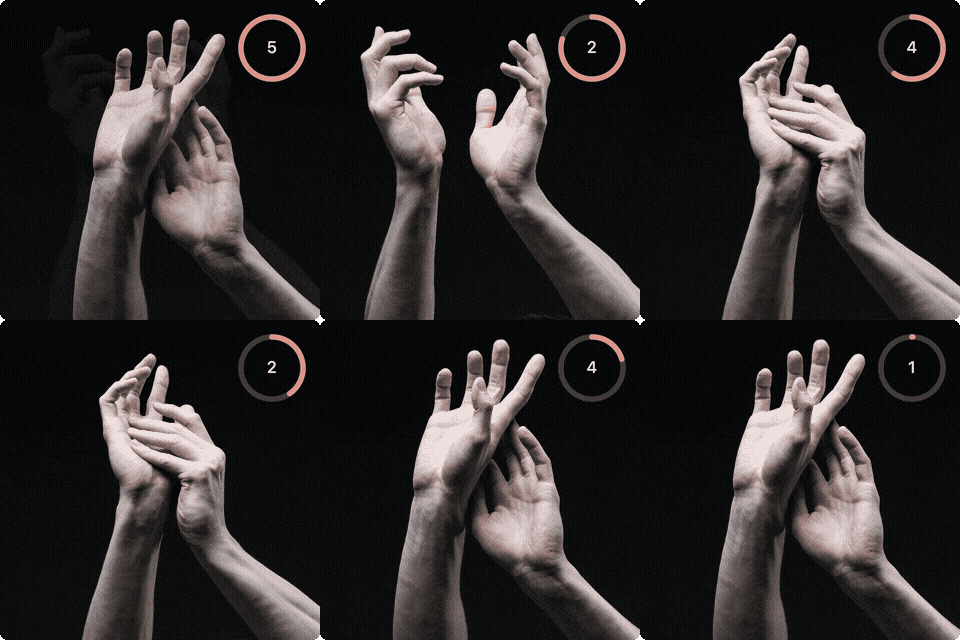
Stop Noodling is a timed drawing webapp
The tools works as plugin for Eagle (a software to organize locally images) and serve it so it’s accessible from any device with a browser.
The script scans the Eagle library and uses the tags to filter the images requested for the drawing session. Tag data can be also sent back to the library from the webapp if the users tags an image as a favorite.
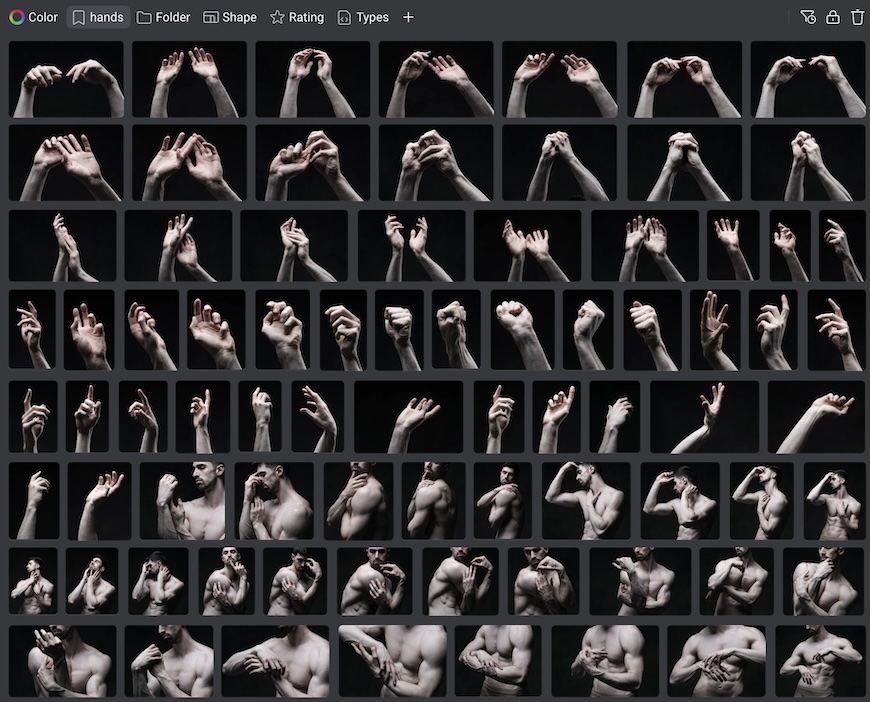
An Eagle library tagged with hands - Photos by Satine Zillah
Webapp Features: 🔗
Setup a draw session
- Types of images (Hands, Clothed, Figure, Portrait)
- Timer (30s, 1 min, 2 min, ect…)
- Number of images (10, 20, 30)
Run session
Review
- Re-access session images
- Zoom/Pan
Test out a live demo here - Live Demo
Home server setup: 🔗
Stop Noodling is designed to run as a web service. I’ve set it up on my Raspberry Pi so it’s always running and accessible from any device, anywhere. Apple’s PWA (“Add to Home Screen”) feature lets it function as a standalone app.
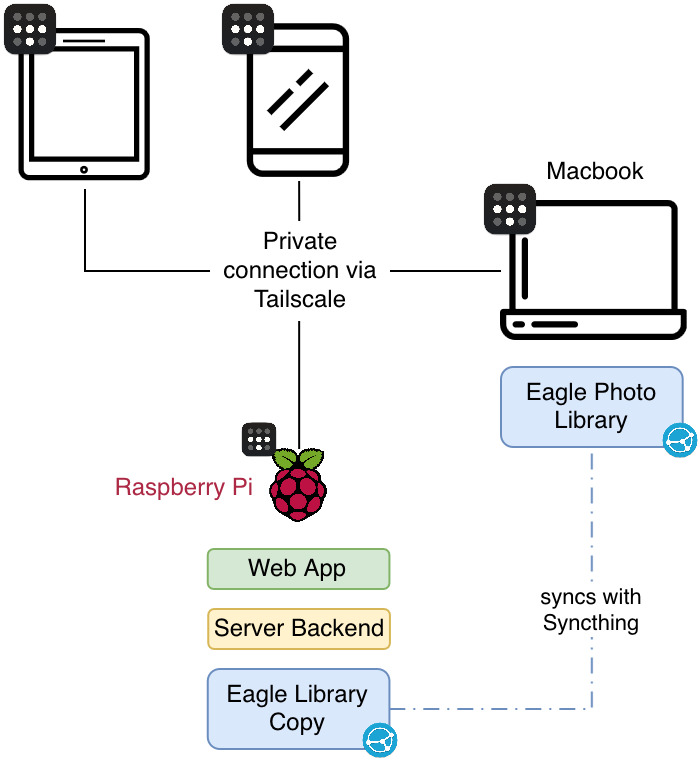
Setup Flowchart
My Setup Architecture: 🔗
- Source of Truth: MacBook Eagle Library (~20K images, 50GB)
- Sync Layer: Syncthing (bidirectional, always-on) keeps Mac ↔ Pi in sync
- Server: Raspberry Pi 5 with 2TB NVMe, runs Python HTTP server as systemd service
- Access: Tailscale VPN mesh allows secure access from anywhere
- Clients: iPad/iPhone access via PWA (Add to Home Screen)
- Workflow: Favorite images on iPad → metadata syncs back to Mac → appears in Eagle